
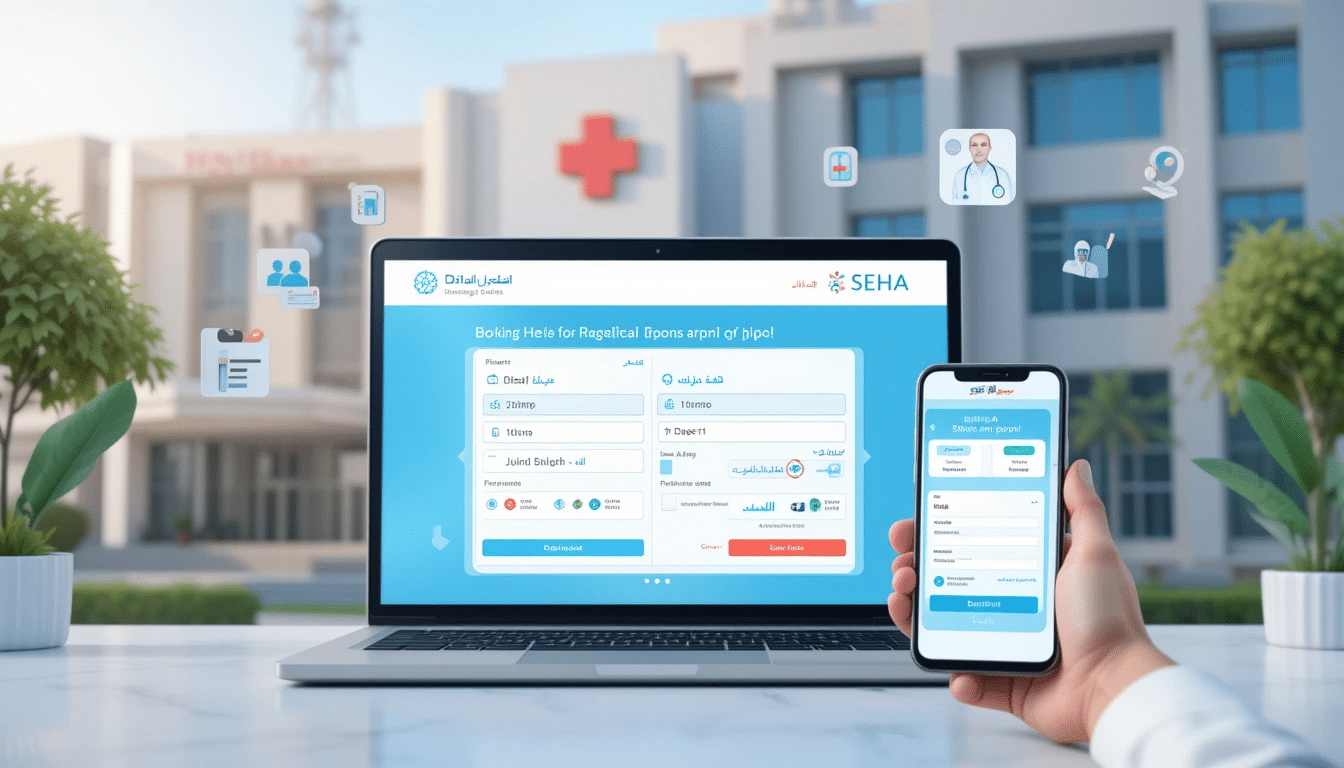
The National Health Information Program (I-SEHA), which is offered to citizens and residents by the Ministry of Health, includes this eHealth service. It provides the option to electronically schedule medical appointments at the health centers’ general practice clinics. Users of this service will also be able to cancel or reschedule their upcoming appointments. All Ministry Health Institutions’ past and pending medical appointments will be visible to the user.
SEHA online appointment booking
The user should abide by the following to guarantee the effectiveness and caliber of the services provided in the health center:
1. Choose Your Doctor Program: for patients enrolled in medical facilities that have adopted the program. Please choose your registered family physician. The health center maintains the right to modify your appointment if you decide to see a different doctor.
2. Follow-up appointments in general practice clinics are one of the booking and rescheduling features; child screening, school exams, and medical fitness exams (for domestic workers, pre-employment, and universities) are not.
3. One week’s worth of upcoming appointments will be accessible to the user.
4. Only one appointment per specialty may be scheduled by the user.
5. The option to reschedule is accessible two hours before the scheduled appointment time.
6. arriving at the clinic twenty minutes before the scheduled appointment time and going to the medical records area to provide the necessary paperwork so that the procedures can proceed. The health center will assign this appointment to another patient if the patient fails to show up on time. Additionally, setting up a different appointment could involve choosing a different time or day.
7. The patient has the right to reschedule an alternative appointment, though it need not be at the same time and date, if they were late for the original appointment.
8. The user will not be able to make appointments online for a month after missing three appointments.
9. The patient will not be allowed to make appointments online for a month if they miss two appointments made using this service. The patient can schedule another appointment during this time by physically visiting the health center.
DHA online appointment booking
1. Register a profile on eHomeAffairs
2. Capture the verification OTP (OneTimePin) received via SMS to confirm your cellphone number
3. Log in to your profile
4. Capture the logon OTP (OneTimePin) received via SMS
5. Complete the application form
66. Submit the completed application by selecting “Submit”
7. Upload your supporting documents, if applicable
8. Make the online payment
9. Make a booking at a Home Affairs enabled Bank Office
10. Print your Confirmation Letter