
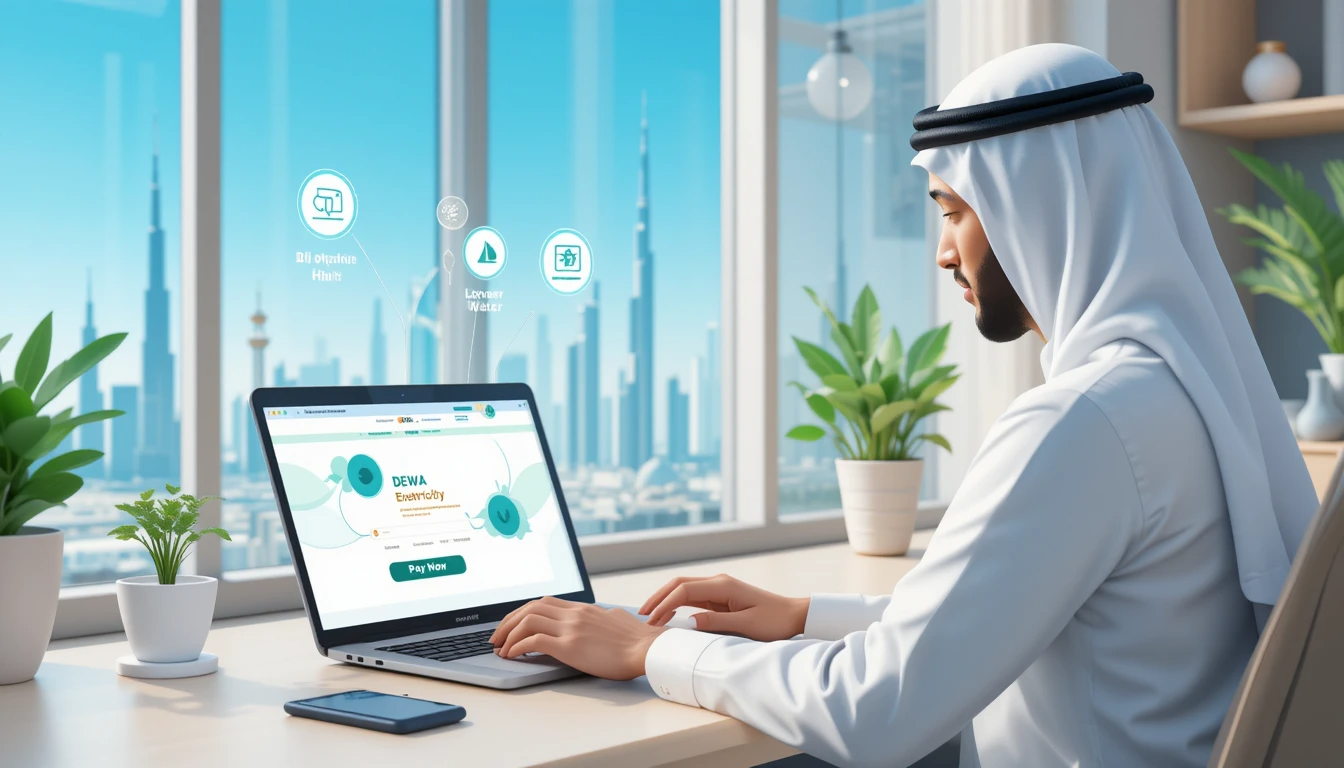
In Dubai, paying utility bills is a crucial aspect of running a home or business. The Dubai Electricity and Water Authority (DEWA) offers its clients a number of easy ways to do so. Knowing the various methods for paying your DEWA bills guarantees on-time payments and continuous services, regardless of whether you’re a renter, homeowner, or business owner.
All of the DEWA payment options will be covered in this guide, along with detailed instructions on how to make a payment and how Ejari.Support can help with associated services.
Knowing Your DEWA Bill
Before paying, it’s critical to comprehend the following information on your DEWA bill:
- Your registered property’s Premises Number is a special identification number.
- Account Number: The DEWA service account associated with your lease.
- Billing Period: The time frame during which the charges are imposed.
- Details of Consumption: breakdown of water and electricity use.
- Total Due Amount: The entire amount owed, including any unpaid fees and VAT.
- Accessible Methods of Payment for DEWA
- For the convenience of its clients, DEWA provides a number of payment options. These consist of:
1. DEWA Smart Website & App
DEWA Smart App: DEWA Registration Portal DEWA Website: www.dewa.gov.ae accessible on Android and iOS
How to Pay Using a Website or App:
- Open your DEWA account and log in.
- Go to the “Bills & Payments” area.
- Put in your DEWA account number.
- Choose your preferred payment option, such as a credit or debit card, Apple Pay, Samsung Pay, etc.
- Verify and finish the payment.
2. Mobile banking apps and online banking
The majority of UAE banks provide DEWA bill payment options via mobile apps and online banking portals.
How to Use Online Banking to Make a Payment:
- Open your mobile app or online banking and log in.
- After selecting “Bill Payments,” select “DEWA.”
- Put in your DEWA account number.
- After selecting your payment amount, confirm.
3. AutoPay
To prevent missing deadlines, customers can use the DEWA website to set up AutoPay with their credit or debit card.
How to Configure Automatic Payments:
- Open your DEWA account and log in.
- Navigate to “AutoPay Settings.”
- Enter the payment information that you prefer.
- Decide on the frequency and quantity.
- Turn on AutoPay for upcoming invoices.
4. Cash Deposit Machines and ATMs
Major UAE banks like Emirates NBD, ADCB, and Dubai Islamic Bank have ATMs or CDMs where customers can make payments.
How to Use an ATM or CDM to Pay:
- Put your ATM card in.
- After selecting “Bill Payment,” select “DEWA.”
- Put in your DEWA account number.
- Verify and finish the transaction.
5. Using exchange centers and kiosks to make payments
Authorized kiosks and exchange centers located throughout Dubai accept DEWA bill payments, including:
Al Ansari Exchange Empay Kiosks for the UAE Exchange 6. Payment through WhatsApp & SMS
DEWA ensures quick and simple transactions by providing quick bill payments via WhatsApp and SMS.
How to Use WhatsApp to Pay:
- The official DEWA WhatsApp number is +971-4-601-9999.
- To start the payment process, send “Pay Bill.”
- Click the link to safely finish the payment.
Fees for Late Payments and the Disconnection Policy
- DEWA may impose a late payment fee if the bill is not paid by the deadline.
- Service termination may occur after several months of nonpayment.
- Before turning off the water and electricity, DEWA offers a grace period.
- You can use Ejari.Support to pay the remaining amount and request reconnection if your DEWA has been disconnected.